
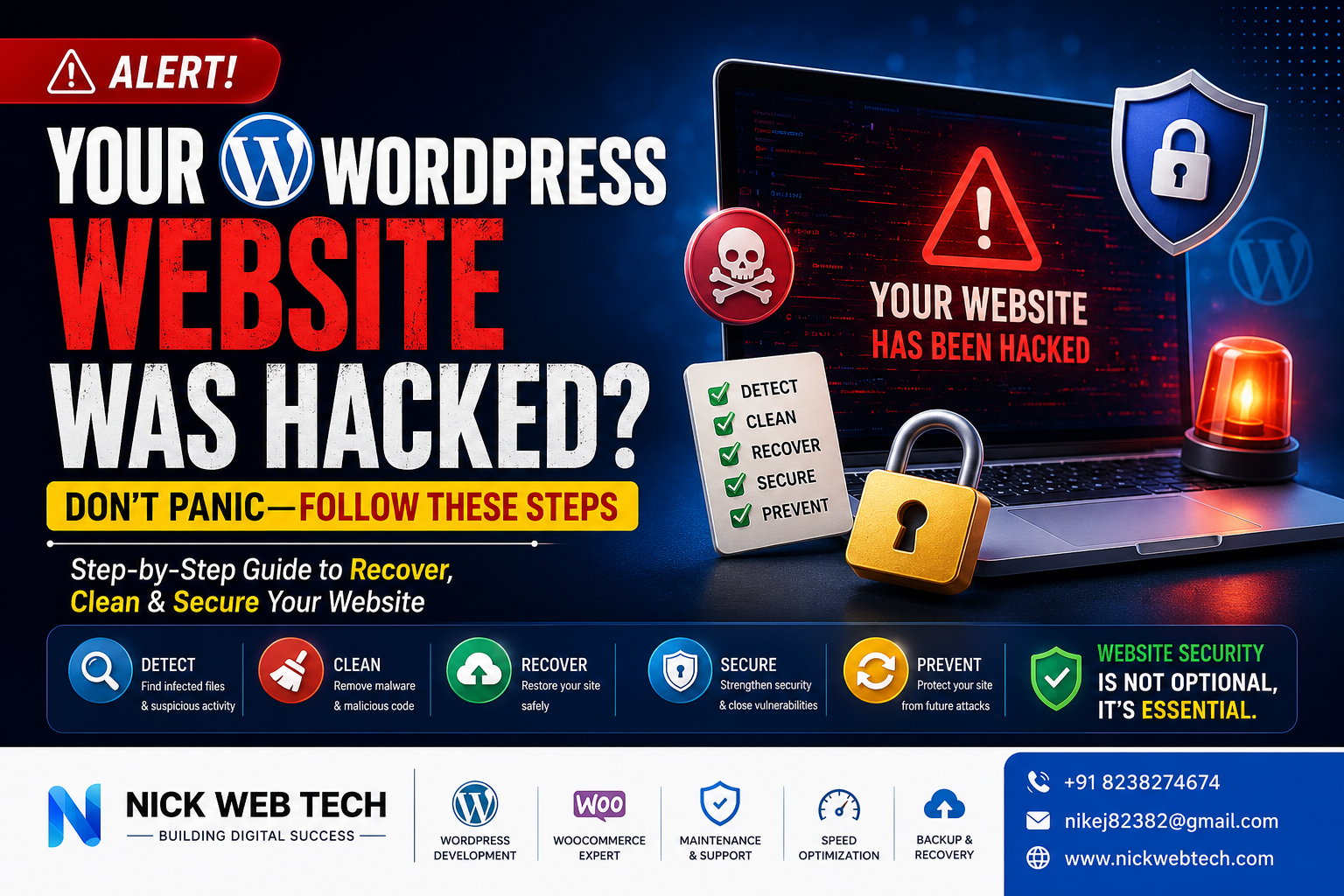
Discovering that your WordPress website has been hacked can be overwhelming. Whether you run a business website, an eCommerce store, or a personal blog, a hacked website can damage your reputation, reduce your Google rankings, and even result in lost customers and revenue.
The good news is that most WordPress websites can be recovered if you act quickly and follow the correct process.
In this guide, I’ll show you exactly how to recover a hacked WordPress website and secure it against future attacks.
How Do You Know Your Website Has Been Hacked?
A hacked website doesn’t always stop working completely. Sometimes the signs are subtle.
Common symptoms include:
- Your homepage redirects to another website.
- Visitors see spam advertisements.
- Unknown admin users appear in WordPress.
- Google displays “This site may be hacked.”
- Your hosting company suspends your account.
- Website becomes extremely slow.
- Strange PHP files appear inside your hosting.
- Customers report unusual behavior.
- Security plugins detect malware.
- Search results show spam titles or descriptions.
If you notice any of these symptoms, your website may already be compromised.
Step 1: Stay Calm
The first thing you should do is avoid making random changes.
Don’t immediately:
- Delete random files
- Reinstall WordPress
- Delete plugins
- Restore an unknown backup
Making changes without understanding the problem can make recovery more difficult.
Step 2: Put Your Website into Maintenance Mode
If your website is infected, you don’t want visitors seeing malware or hackers continuing to exploit it.
Temporarily place your website into maintenance mode while you investigate.
If it’s an eCommerce website, inform your customers that maintenance is in progress.
Step 3: Take a Complete Backup
Even if your website is infected, always create a backup before making changes.
Backup:
- Website files
- Database
- wp-content folder
- Uploads
- Themes
- Plugins
This backup can help recover important information later.
Step 4: Scan Your Website
Use a trusted security scanner to identify infected files.
Things to look for include:
- Malware
- Backdoors
- Suspicious PHP files
- Hidden JavaScript
- Modified core files
Scanning helps identify where attackers gained access.
Step 5: Change Every Password
Immediately change all passwords.
This includes:
- WordPress Admin
- Hosting Account
- FTP/SFTP
- Database
- cPanel/Plesk
- Email Accounts
- Cloudflare
- SSH Access
Always use strong, unique passwords.
Step 6: Remove Unknown Users
Go to:
Users → All Users
Check for:
- Unknown administrators
- Strange usernames
- Recently created accounts
Delete any suspicious accounts.
Step 7: Update Everything
Outdated software is one of the biggest reasons WordPress websites get hacked.
Update:
- WordPress Core
- Plugins
- Themes
- PHP Version
Always update from trusted sources.
Step 8: Remove Malware
Carefully inspect your website.
Hackers often hide malware inside:
- wp-content
- uploads folder
- themes
- plugins
- wp-includes
- wp-admin
Remove infected files carefully.
Never delete files unless you’re sure they’re malicious.
Step 9: Reinstall WordPress Core
If core files have been modified, reinstall the latest version of WordPress.
This replaces damaged files without affecting your content.
Step 10: Check Your Database
Sometimes hackers inject malicious code into the database.
Inspect:
- Posts
- Pages
- Widgets
- Options
- Users
Remove suspicious content.
Step 11: Check Scheduled Tasks
Hackers sometimes create hidden scheduled tasks that reinstall malware.
Review:
- WordPress Cron Jobs
- Server Cron Jobs
Delete anything suspicious.
Step 12: Secure File Permissions
Incorrect file permissions make websites vulnerable.
Recommended permissions:
Files:
644Folders:
755Configuration files should be even more restrictive.
Step 13: Enable SSL
Always use HTTPS.
SSL protects:
- Login credentials
- Customer information
- Payment details
- Contact forms
Google also prefers secure websites.
Step 14: Install a Security Plugin
A good security plugin can help detect suspicious activity.
Features to enable:
- Login protection
- Malware scanning
- Firewall
- File monitoring
- Two-factor authentication
- Brute force protection
Step 15: Monitor Your Website
Recovery doesn’t end after cleaning malware.
Continue monitoring:
- Server logs
- Login attempts
- File changes
- Traffic
- Security alerts
Early detection prevents future attacks.
Why WordPress Websites Get Hacked
The most common causes include:
Outdated Plugins
Old plugins often contain known security vulnerabilities.
Weak Passwords
Passwords like:
- admin123
- password
- 123456
are easily cracked.
Null or Pirated Themes
Free “nulled” themes frequently contain hidden malware.
Only download themes from trusted developers.
Poor Hosting
Cheap hosting often lacks proper security protections.
No Firewall
Without a firewall, attackers can exploit vulnerabilities more easily.
No Backups
Many businesses discover they have no usable backup after an attack.
Regular backups are essential.
How to Prevent Future Hacks
Follow these best practices:
✅ Keep WordPress updated
✅ Update plugins regularly
✅ Delete unused plugins
✅ Delete unused themes
✅ Use strong passwords
✅ Enable two-factor authentication
✅ Install a firewall
✅ Backup daily
✅ Monitor website activity
✅ Scan for malware regularly
✅ Use reputable hosting
How I Help Recover Hacked WordPress Websites
At Nick Web Tech, I provide professional WordPress recovery and security services.
Services include:
- Malware Removal
- Website Recovery
- Security Hardening
- Performance Optimization
- Plugin Updates
- WordPress Maintenance
- Website Backup Setup
- Speed Optimization
- WooCommerce Support
- Server Security
- Migration & Recovery
Whether your website has been hacked, is showing malware warnings, or simply needs better protection, I can help restore it safely and strengthen its security.
Need Help Recovering Your Website?
A hacked website doesn’t have to mean starting over.
With the right recovery process, most WordPress websites can be cleaned, restored, and secured against future attacks.
If your website has been compromised, don’t wait. Every hour a hacked site remains online can increase the risk of lost visitors, damaged SEO, and further security issues.
If you need expert assistance, Nick Web Tech offers professional WordPress recovery, malware removal, security hardening, and ongoing maintenance to keep your website safe.
Frequently Asked Questions
Can a hacked WordPress website be recovered?
Yes. In most cases, a hacked WordPress website can be fully recovered if backups are available or the malware is removed correctly.
Will hacking affect my Google rankings?
Yes. Google may flag hacked websites, remove pages from search results, or display security warnings until the issue is resolved.
How long does WordPress recovery take?
Simple infections may be resolved within a few hours, while complex attacks involving multiple backdoors or server-level compromises can take longer.
How can I prevent future attacks?
Keep WordPress, themes, and plugins updated, use strong passwords, enable two-factor authentication, maintain regular backups, and monitor your website for suspicious activity.